Your workshops, with a clear way to book.
A paper-craft evening, a painting class or a creative weekend workshop needs clear dates, venue details and a reliable place count. Customers should be able to see what they are booking and what it costs before they enter their details.
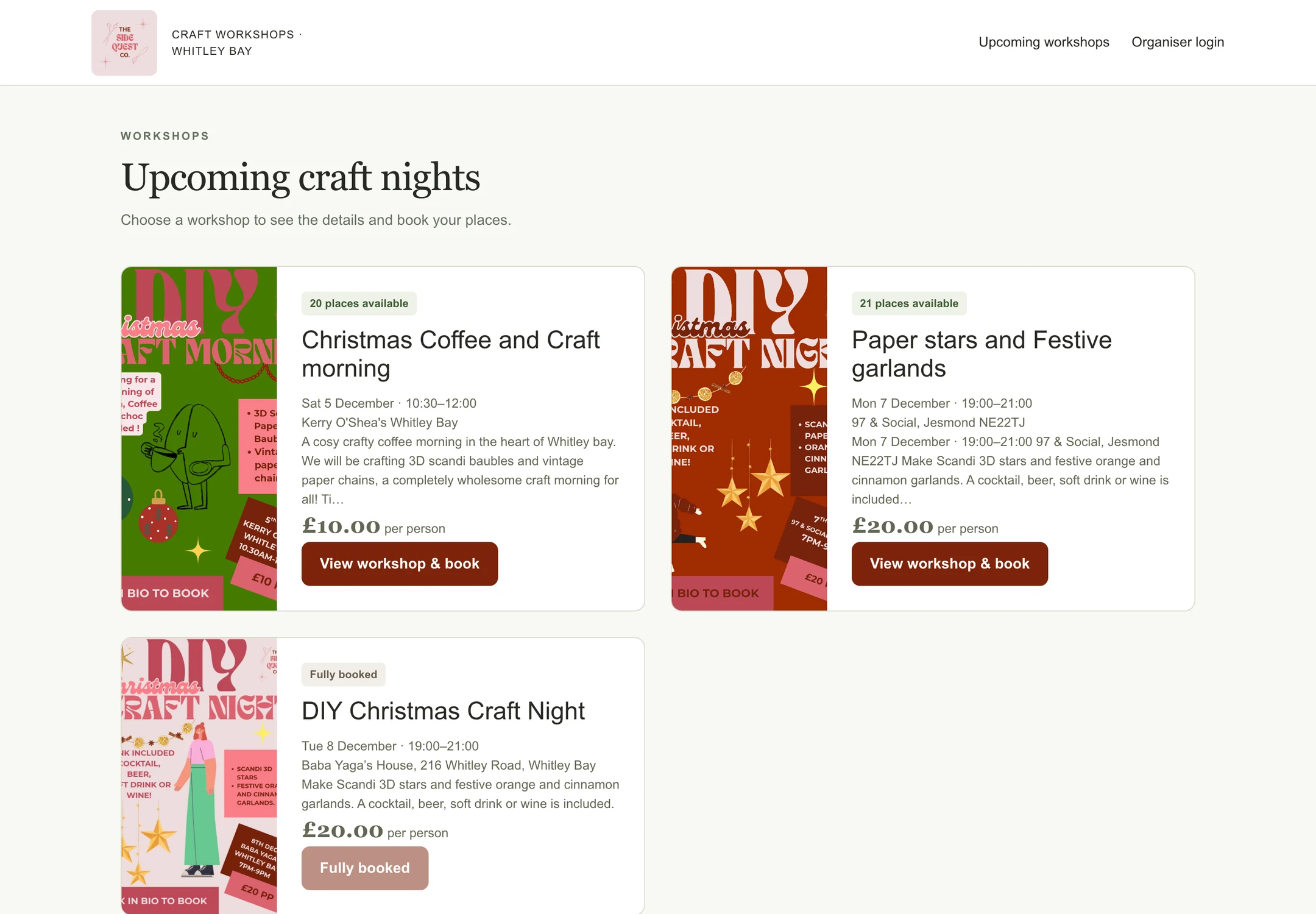
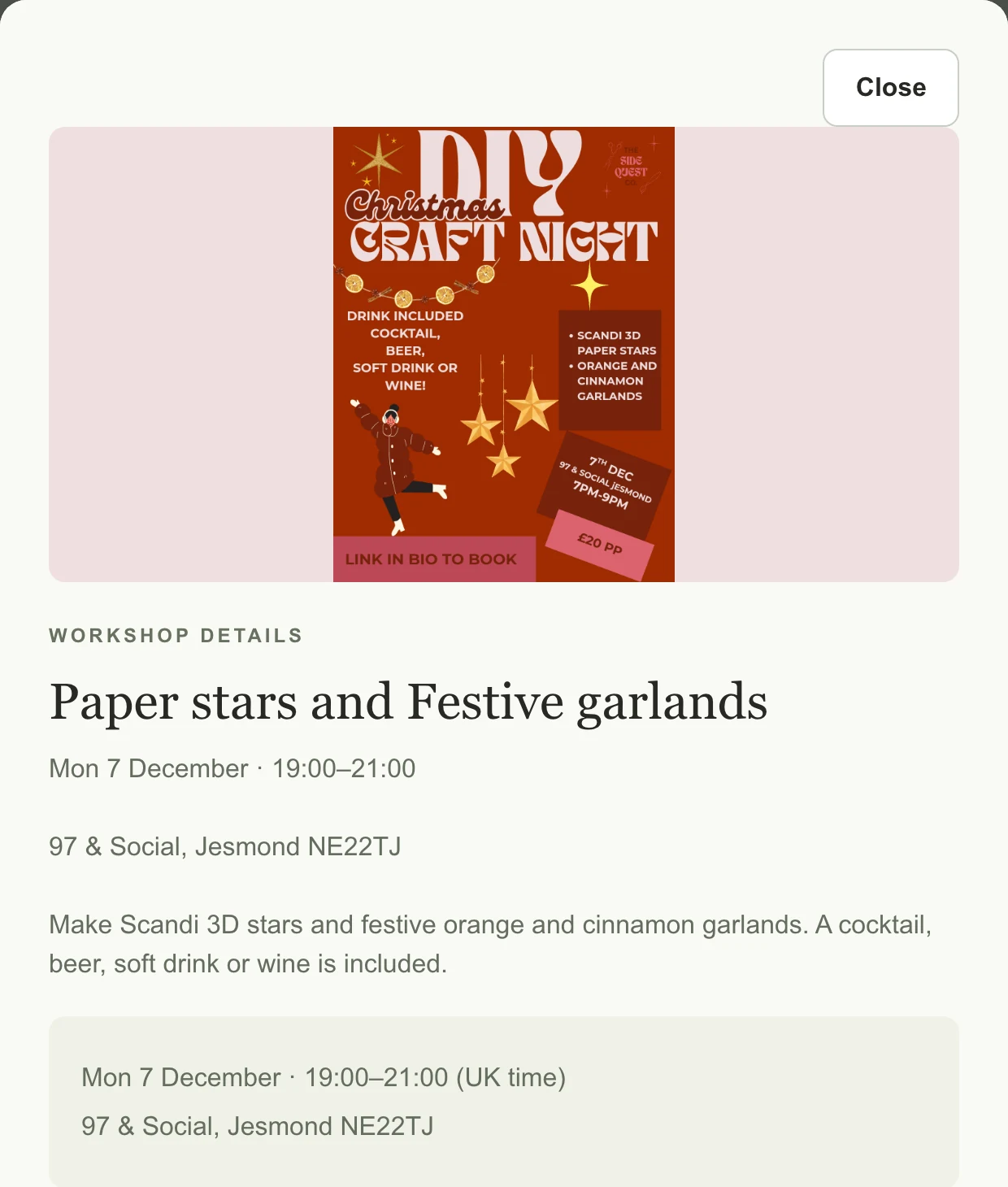
The Sidequest Co uses Pepperseed for its craft events in Whitley Bay and nearby venues. Its own logo and event artwork sit alongside dates, ticket prices and available places. Each workshop opens into a detail view and ticket selection within the same booking experience.
From a new event to a booked place.
Create and manage your workshops from the organiser dashboard.
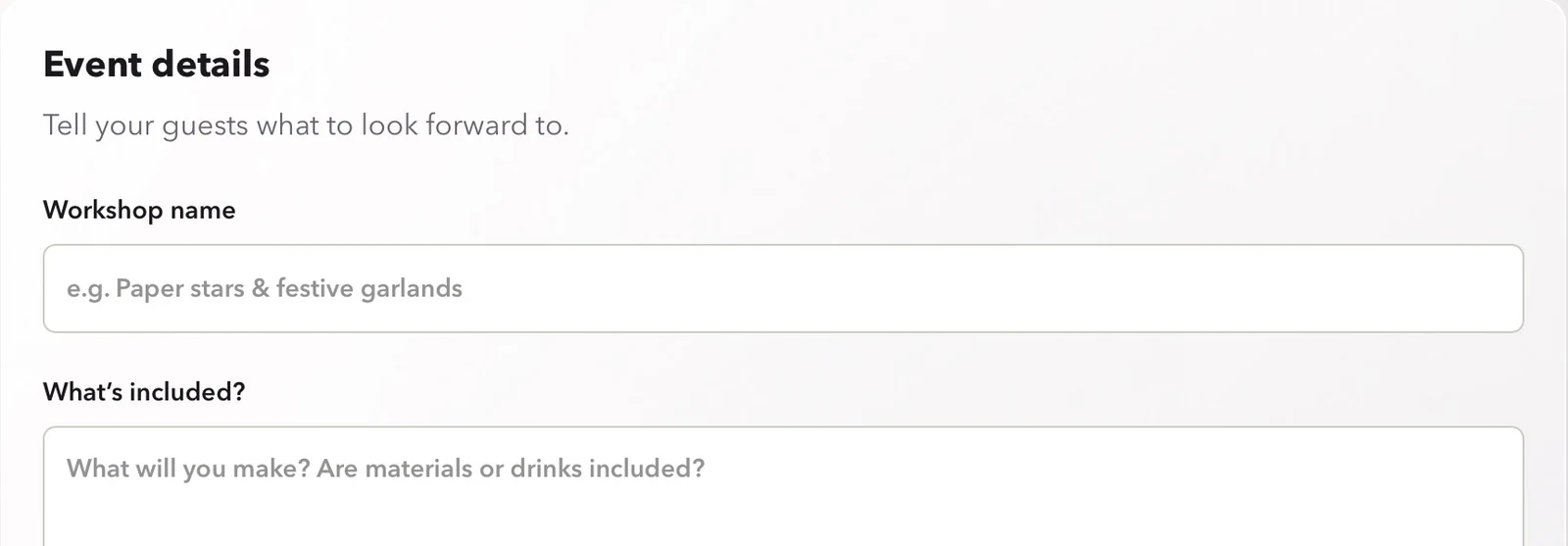
- Create an event with its title, description, artwork, venue, date and time.
- Set the ticket price, capacity and whether customers can book multiple places.
- Publish the workshop on your branded event listings page and share the link.
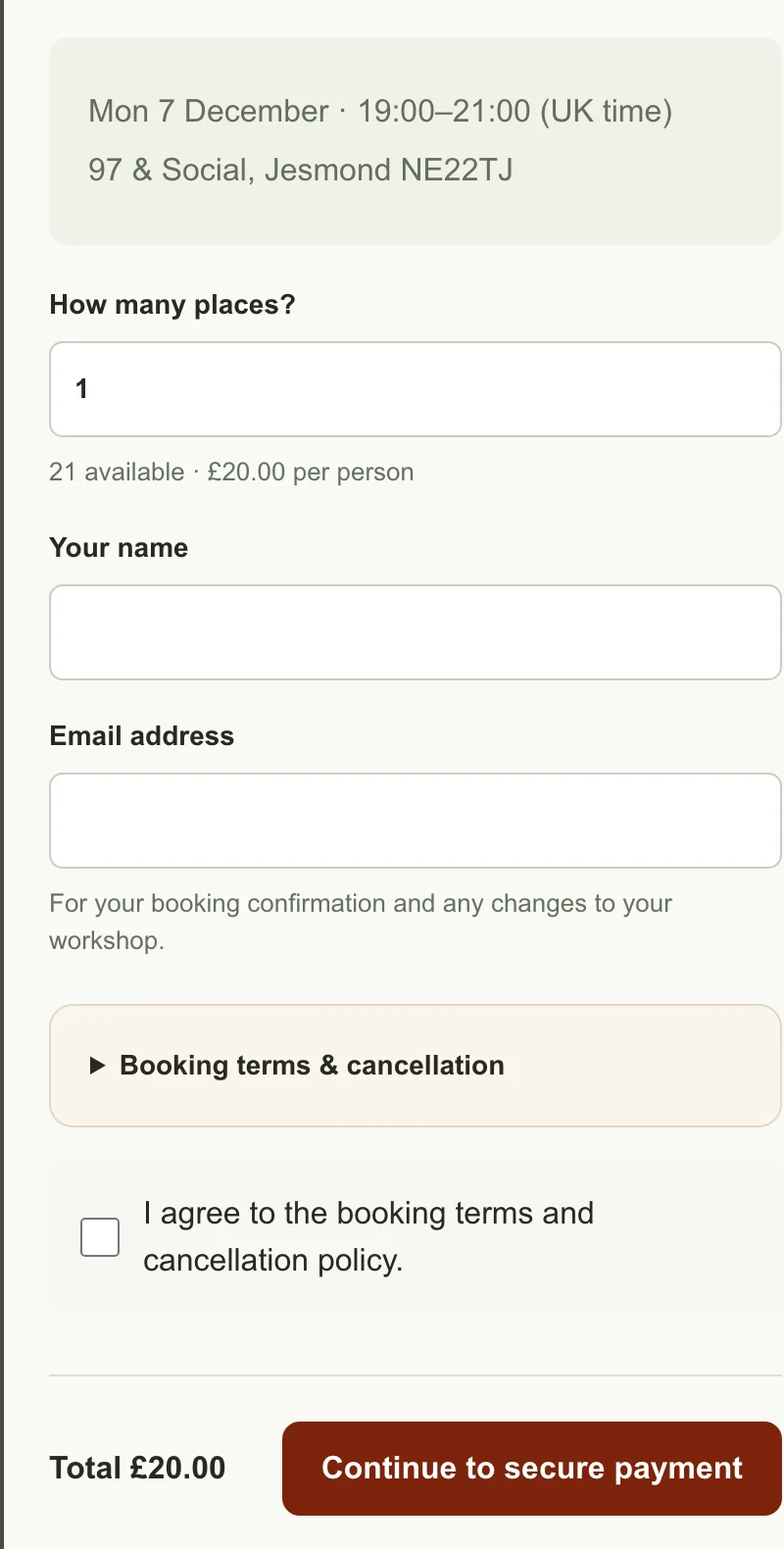
- Customers open the workshop, choose their places, enter their details and continue to secure payment.
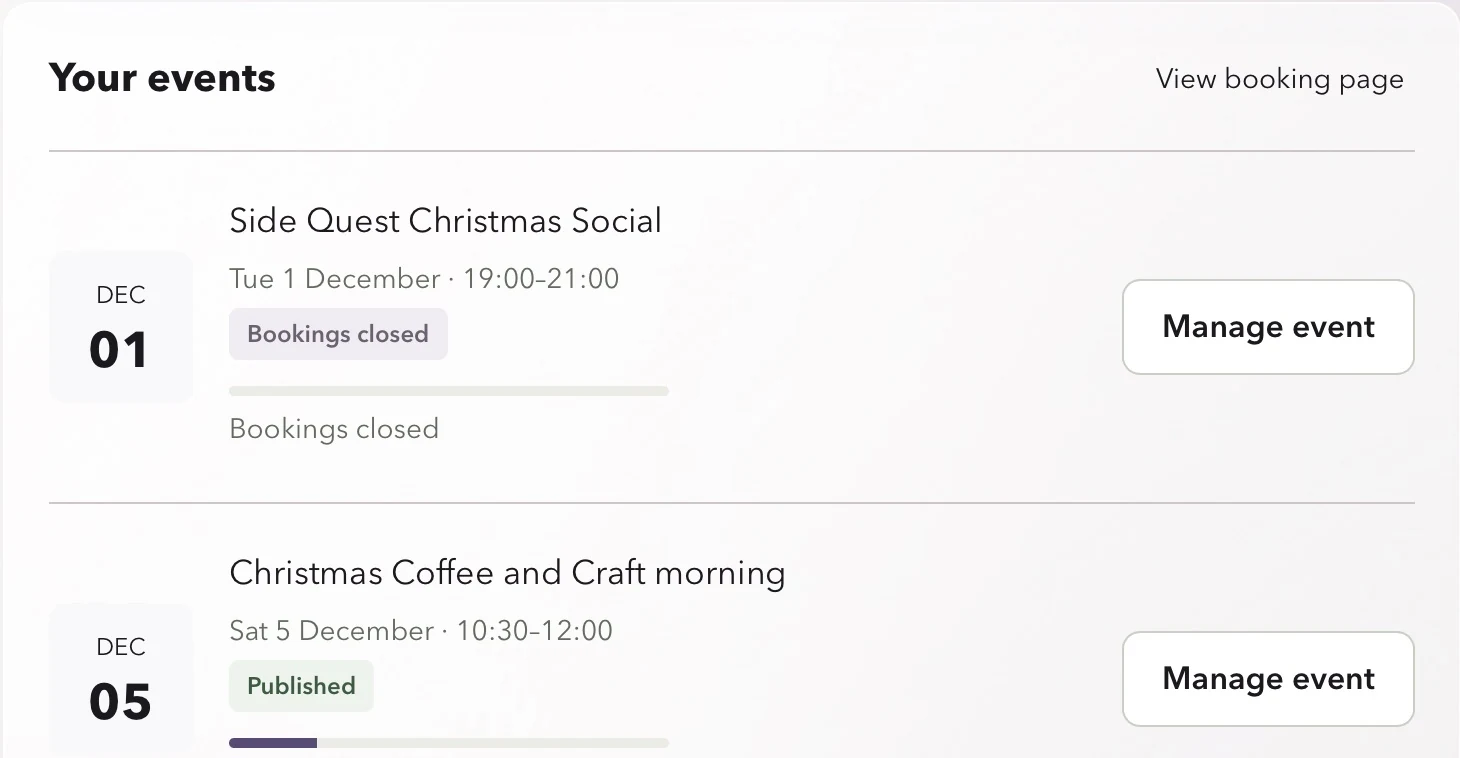
- Manage events, bookings and customer details from your dashboard, with booking notifications keeping you informed.
The tools behind a creative workshop booking system.
- Online workshop bookings and ticket quantity selection.
- Online payments through the connected payment account.
- Event capacity, remaining places and fully booked states.
- Booking confirmations and organiser notifications.
- Customer details and booking records in the organiser dashboard.
- Create, edit, duplicate and manage events.
- Booking pages with your logo, colours and event artwork.
- Dates, venues, prices and booking terms within the customer journey.
Questions about workshop bookings.
Can I use it for art workshops and other creative events?
Yes. The event booking workflow supports a published date, time, venue, price and limited places. It suits craft nights, art workshops and other independent creative events with that booking model.
Can customers book more than one ticket?
Yes, when multiple places are enabled for the event. Customers choose a quantity within the places available before continuing to payment.
Do I need a separate website?
No. You can share your Pepperseed event listings link directly from Instagram, WhatsApp or an existing website. A complete custom website is a separate option.
Is it suitable for a workshop business in the UK?
The Sidequest Co uses the system for UK workshops, with pound sterling prices and UK event dates and times. Tell us your workshop schedule, capacity and payment requirements so we can confirm the appropriate setup.
Build a booking experience around your business.
Start a 30-day Pepperseed trial and set up the services, availability and booking journey that make sense for you.
Moving from another booking system?
Tell us what you use, how your bookings work and what you want to keep. We can review the fit and explain what moving would involve. Data transfer, timing and any setup work depend on your current system and are agreed before work begins.